

Custom AI agents that work inside your own software.
An agent that reads your email, looks up the file and drafts a reply. Or one that matches bank statements and prepares the entries in Exact. We connect it to your own systems, build the checks around it and keep it running. Built in Rotterdam, hosted in the Netherlands.
Or call 010 318 0515. You get an answer the same day.
The work that falls between your systems.
An AI agent takes that work over. It reads, looks things up, decides within limits you set and puts the result in your own system.
-
Retyping
From email or PDF into the ERP. A few minutes each, hundreds of times a month.
-
Excel next to the system
Lists that are ticked off by hand every month.
-
The full inbox
Someone has to read it, find the file and pass it on.
-
Exceptions
Anything slightly different from the plan ends up on a pile.
How an agent works.
Pick an example and watch. Below you see what the agent records in the dashboard: what it did and why.
-
1/5
In
A bank statement arrives
As an upload, from the bank or in a fixed folder.
-
2/5
Agent
Reads and matches
Pulls out the lines and finds the right invoice for each payment.
-
3/5
Integrations
Looks it up in your systems
Open items and agreements recorded nowhere else.
- Exact Online
- Excel
-
4/5
Check
Does it add up?
If the amount is off or there are two candidates, it asks.
- → on to the entry
- → to the accounts team
-
5/5
Result
The entry is ready
In Exact, with the statement and the invoice attached. You approve it, or it books on its own up to a limit.
- 08:02 ING statement received, 48 lines
- 08:02 46 payments matched to an invoice
- 08:03 Open items from Exact, agreements from Excel
- 08:03 2 lines to the accounts team: amount differs
- 08:04 46 entries prepared in Exact
-
1/5
In
An email comes in
A customer asks where the order is.
-
2/5
Agent
Reads the question
Recognises the order number and what the customer wants to know.
-
3/5
Integrations
Looks up the file
The order status and the carrier's tracking.
- Outlook
- In-house software
- Carrier
-
4/5
Check
Sensitive?
A complaint or a damage claim always goes to a person.
- → prepare a draft
- → to customer service
-
5/5
Result
The reply is ready
In the inbox, with the status attached. A colleague reads it and sends it.
- 10:41 Email received: where is order 20417
- 10:41 Question recognised: delivery status
- 10:41 Order 20417 found, shipped Tuesday
- 10:42 No complaint or claim: no extra check
- 10:42 Draft reply prepared in Outlook
Example: a wholesaler with four entities, three banks and around 9,000 open invoices.
-
1/6
In
Every night at two
Bank transactions from three banks and the open items of four ledgers.
-
2/6
Integrations
Fetches everything
Receivables per entity, agreements and open complaints per customer.
- AFAS
- Rabobank
- ING
- HubSpot
- TOPdesk
-
3/6
Agent 1 · Matching
Matches the payments
Including partial payments, batch payments and payments made to the wrong entity.
-
4/6
Agent 2 · Assessing
Decides the next step per customer
Remind, call or wait, based on payment behaviour, agreements and open complaints.
-
5/6
Check
Block?
Putting a customer with more than € 25,000 open on hold always goes past the credit controller.
- → send a reminder
- → to the credit controller
-
6/6
Result
Receivables are up to date
Reminders in the customer's language, orders of late payers on hold in the ERP and an overview for the CFO.
- 02:00 Nightly run started: 4 ledgers, 3 banks
- 02:03 1,284 bank transactions and 9,112 open items fetched
- 02:09 1,247 payments matched, 31 batch payments split
- 02:11 214 customers assessed: 168 reminders, 12 call requests
- 02:11 3 customers above € 25,000: to the credit controller
- 02:14 168 reminders sent, 4 orders on hold, report ready
Example: a freight forwarder with around 400 transport orders a day, arriving by email, EDI, PDF and a customer portal.
-
1/7
In
Orders in every format
Email with attachment, an EDI message, a scanned consignment note or the customer portal.
-
2/7
Agent 1 · Intake
Reads and validates
Extracts pickup and delivery address, time windows, weight and customs codes and checks them.
-
3/7
Integrations
Checks the master data
Customer agreements, rates, the address book and available capacity.
- In-house TMS
- ERP
- Customs system
- Carriers
-
4/7
Agent 2 · Planning
Plans the trip
Combines shipments, chooses own truck or charter and books with the carrier.
-
5/7
Check
Out of line?
Dangerous goods, a rate outside the agreement or a tight time window go to a person.
- → plan automatically
- → to the planner
-
6/7
Agent 3 · Wrapping up
Handles the paperwork
CMR and customs documents ready, tracking sent to the customer.
-
7/7
Result
Planned, confirmed and invoiced
The trip is in the TMS, the customer has a confirmation and the invoice line is ready.
- 07:15 412 orders in: 188 email, 141 EDI, 52 PDF, 31 portal
- 07:16 397 orders complete, 15 without time window queried
- 07:16 Rates and addresses checked against customer agreements
- 07:22 61 trips planned, 9 shipments to a charter
- 07:22 6 ADR shipments and 2 rate deviations to the planner
- 07:24 24 customs documents created, tracking sent
- 07:25 389 orders planned and confirmed, invoice lines ready
The diamond is the checkpoint. Where it sits and how strict it is, is up to you. Build your own agent ↓
Why with us it actually reaches production.
More than 40% of agent projects will be scrapped before the end of 2027, mostly over integrations and trust. That is exactly what we are good at.
-
Connected to your own systems
ERP, accounting, CRM or custom software. Through the API, or through our own integration if there is none. Even with software from 2011.
-
Limits you can point to
For each agent we record what it may see and do, up to what amount and what always goes past a person. Every step has a fallback.
-
Tested first, then on its own
The agent first runs in shadow mode: it makes proposals, a colleague decides. Only at the agreed score does it work on its own.
-
Secure, in the Netherlands
Hosted at SmartDC in Rotterdam (ISO 27001), no training on your data, everything logged and AI Act transparency built in.
When we say no. When the process is not stable enough to test, when there is no data or API, or when a regular integration without AI is cheaper and more reliable. Then we would rather build that.
From a call to an agent that runs.
Four steps, with a decision point after each one. You are never locked into a big project that turns out not to work. Amounts exclude VAT.
-
1
Introduction
Free 30 minutes
We talk through the process and tell you honestly whether an agent is the best solution.
-
2
Feasibility scan
€ 1,500 – 2,500 1 to 2 weeks
Process, systems and data mapped, with a plan, the expected time savings and a budget. Deducted if you go ahead.
-
3
Build and test phase
From € 10,000 2 to 6 weeks
Integrations, guardrails and a dashboard. Shadow mode first, on its own only at the agreed score.
Several systems or agents: from € 30,000, 8 to 16 weeks.
-
4
Live and maintenance
From € 250 p/m Ongoing
Monitoring, model updates and changes under an SLA. Model costs charged as used.
The integrations are already running.
An agent is only as good as the systems it can reach. These are integrations and platforms we built and maintain every day.
All cases-
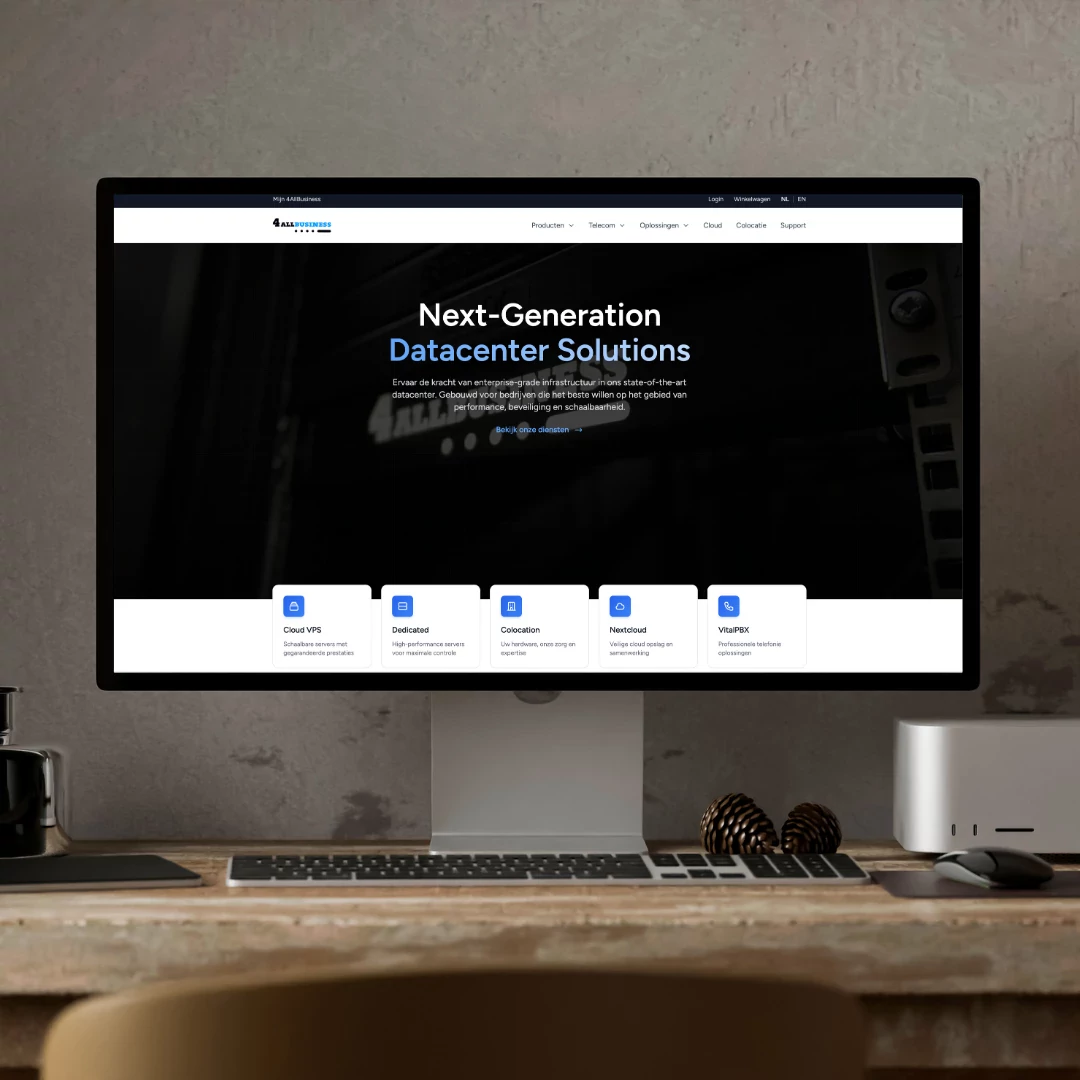 De vernieuwde site met een configurator waarin klanten hun eigen pakket samenstellen en meteen bestellen.
Bestellingen die binnenkomen zoals de klant ze zelf heeft samengesteld, klaar om te verwerken.
De vernieuwde site met een configurator waarin klanten hun eigen pakket samenstellen en meteen bestellen.
Bestellingen die binnenkomen zoals de klant ze zelf heeft samengesteld, klaar om te verwerken.
-
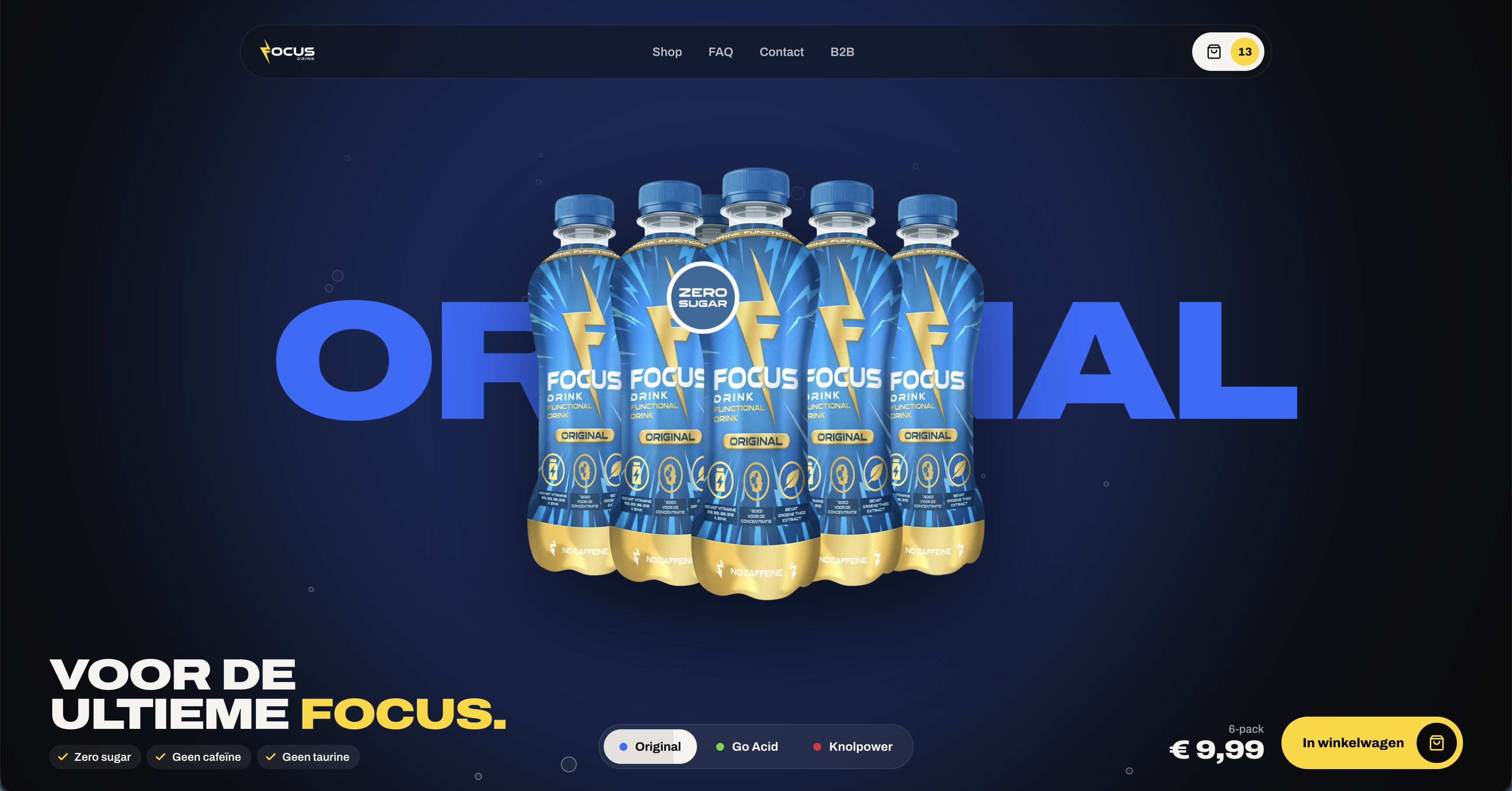 Een volledig nieuwe webshop voor Focus Drink
Een shop met dezelfde energie als het drankje
Een volledig nieuwe webshop voor Focus Drink
Een shop met dezelfde energie als het drankje
-
 Een nieuwe site waarop kinderopvang en gastouderbureaus zien hoe Anna werkt en wat het kost
Een site die een organisatie vooraf laat zien wat coaching op de groep inhoudt en wat het kost.
Een nieuwe site waarop kinderopvang en gastouderbureaus zien hoe Anna werkt en wat het kost
Een site die een organisatie vooraf laat zien wat coaching op de groep inhoudt en wat het kost.
Questions about AI agents.
If your question is not here, just ask. You will get someone who builds agents themselves.
Ask your questionWhat does it cost to have an AI agent built?
An agent for one well-defined process with one to three integrations starts at € 10,000. Across several systems and departments, it starts at € 30,000. On top of that there is maintenance from € 250 a month, plus model costs. Every project starts with a feasibility scan of € 1,500 to € 2,500, deducted if you go ahead.
How long does it take?
The scan takes one to two weeks. An agent for one process is ready in two to six weeks, including the test phase. Larger projects with several agents take eight to sixteen weeks.
How is it different from a chatbot or regular automation?
A chatbot answers questions and a fixed workflow follows a script. An agent does work and decides the next step itself, within limits: it reads, looks things up in your systems, decides and prepares or writes something. If the input is always the same, a regular integration is often better. We will tell you so.
Which AI models do you use, and where does it run?
The agent runs on our servers at SmartDC in Rotterdam. We choose the language model per task, under business agreements that your data is not used for training. If everything has to stay within the EU, we choose accordingly. We build the agent so the model can be swapped.
What happens if the agent makes a mistake?
We design for it. Every step has a fallback, doubtful cases go to a colleague and everything is in the log. Above a limit you set, it does nothing without approval. If something does go wrong, we get an alert and you call someone who knows the code.
Does the agent comply with the AI Act?
The transparency rules from Article 50 apply since 2 August 2026: people must know they are dealing with AI. We build that notice in by default. If an application counts as high risk, such as recruitment, stricter rules apply from December 2027. We cover that in the scan.
Who owns the code?
You do. The code, the integrations and the agent's instructions are in your name. If you later continue with another party, you take everything with you.

You talk to the person behind the code.
A lot is AI these days. With us there is someone behind it who understands what the agent does and who picks up when something goes wrong. Your first call is with Serge, who still writes code every day.